





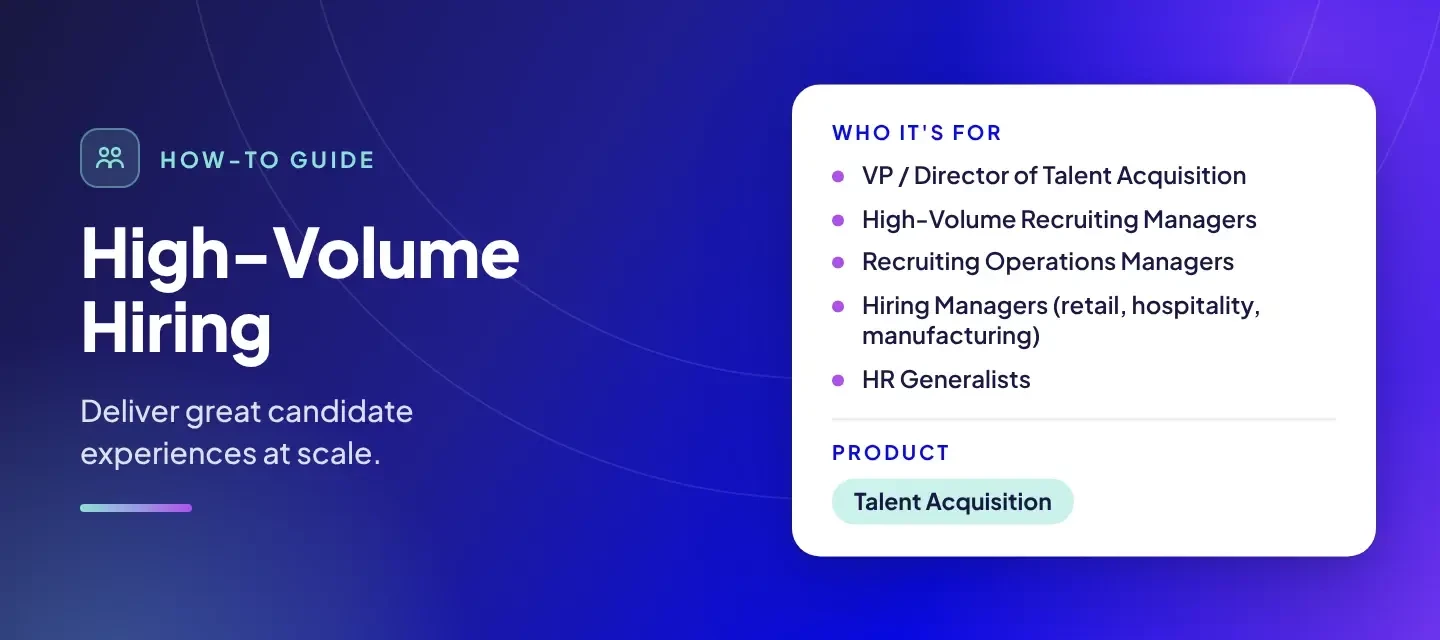
Organizations with large-scale hiring needs face unique challenges, from managing massive applicant pools to ensuring speed and efficiency without compromising quality. High-volume hiring is critical for retail, healthcare, logistics, and customer service industries, where rapidly filling roles is essential for business success.
The business impact of efficient high-volume hiring
- Faster time-to-fill: Streamlining processes helps organizations quickly secure top talent.
- Reduced costs: Automation reduces manual effort, leading to lower hiring costs.
- Improved candidate experience: A seamless and engaging hiring process enhances employer brand and retention.
- Better quality of hire: AI-driven insights ensure candidates are matched based on skills and potential.
Challenges in high-volume hiring
Despite the need for efficiency, organizations often struggle with:
- Managing large applicant pools: Handling thousands of applications can overwhelm hiring teams.
- Ensuring candidate quality: Speeding up hiring without compromising on talent quality.
- Reducing drop-off rates: Keeping candidates engaged throughout the hiring process.
- Eliminating bias: Ensuring fair and inclusive hiring at scale.

Strategies for effective high-volume hiring
1. Leverage AI-powered screening and matching
- Use AI-driven candidate matching to identify best-fit applicants quickly.
- Automate resume screening to prioritize candidates based on skills and experience.
- Reduce recruiter workload by filtering out unqualified applicants.
2. Automate and streamline the hiring process
- Implement automated scheduling for interviews, reducing back-and-forth coordination.
- Use chatbots and AI assistants to engage candidates with updates and FAQs.
- Send automated reminders to reduce candidate drop-off rates.
3. Optimize sourcing and talent pools
- Build and maintain talent communities for future hiring needs.
- Engage passive candidates through AI-powered campaigns.
- Source candidates from multiple channels, including job fairs, career sites, and employee referrals.
4. Improve candidate experience
- Create a seamless application process with mobile-friendly applications.
- Personalize candidate communication through automated messaging and follow-ups.
- Offer self-scheduling options for interviews and assessments.
5. Use data and analytics to improve hiring outcomes
- Track hiring metrics such as time-to-fill, candidate quality, and retention rates.
- Identify bottlenecks in the hiring process and optimize workflows.
- Measure diversity hiring performance and ensure inclusive hiring practices.
Putting it into practice in Eightfold
The strategies above tell you what to aim for. This section covers where to do it in the product, with links to the FAQ Hub and community threads that go deeper.
Screen large applicant pools
- Work from the Screening Dashboard. It is built for managing high application volumes without losing track of promising candidates. The Screening Dashboard best practices post includes a downloadable walkthrough.
- Calibrate once, then copy. When you hire for the same role again and again, copy a calibration that works to the new position. Title, Location, and Years of Experience do not copy over, so set those by hand and check that the ideal candidates still fit.
- Save the filtered views you rely on. Use "Save view" so the same filter set can be reused across current and future positions.
- Treat the match score as a guide. Use it to decide who to review first. Lower-scoring applicants stay visible and reviewable.
- Expect big pipelines to load in stages. With 1,000 or more leads, the list indexes as it loads and you may see candidates shift position on screen.
The Calibration & Filters guide covers calibration and filtering in full.
Automate the repetitive steps
- Trigger candidate emails from what happens in the pipeline. Workflow Automation can send a templated email when a candidate changes stage or when interview feedback is submitted. This is how teams keep candidates updated without sending each message by hand.
- Route people into talent communities automatically. A workflow can add candidates to a community based on a tag, which is useful for event registrants and Talent Network sign-ups.
- Borrow from other teams. Customers share the automations they have built in Use cases for workflow automations. If you want screening questions added to positions automatically, see this answered thread.
Schedule interviews at scale
- Standardize with company-wide scheduling templates. Admins create them under Account > Scheduling templates. Recruiters can then clone a company-wide template into a personal one. Read the FAQ.
- Know why candidates see "no time slots". The usual causes are an interviewer whose calendar is not connected, an all-day or blocking calendar event, template rules that leave no overlap once several interviewers are combined, or a time zone mismatch between the interviewer's profile and calendar. Read the FAQ.
The Interview Scheduling & Feedback guide walks through the whole process.
Keep your talent pools warm
- Run campaigns from talent communities. For a recurring source of candidates, use a community and campaign to it. For a one-time list, import it with a tag and use the tag as your audience filter. Read the FAQ.
- Plan around the send limit. Each campaign has a daily send limit of 100,000. Read the FAQ.
- Use events for hiring days and job fairs. The Early Career guide has a step-by-step for running an event, from the registration page to follow-up.
Good to know: common questions at volume
A candidate applied but is not in the pipeline. Where are they?
Most often a saved pipeline filter is hiding them. Clear the filters, check the other tabs and views (including Rejected and Archived), and allow for the ATS sync schedule before raising a ticket. Read the full checklist.
Why does the same person have two profiles?
Eightfold links records by identifiers such as email address, ATS candidate ID, and employee ID. A duplicate appears when a new record arrives with an identifier that does not match. How to merge or fix duplicates.
Can applicants see the "mini profile" recruiters use during screening?
No. That summary is recruiter-facing and applicants cannot view or edit it.
Can I undo a rejection?
It depends on your setup. This FAQ explains when a rejected candidate's stage can and cannot be changed.
How Eightfold can help
AI-powered solutions for high-volume hiring
- Intelligent matching: AI identifies and prioritizes top candidates quickly.
- Automation tools: Automate scheduling, screening, and communication.
- Talent pool engagement: Build and nurture candidate pipelines for ongoing hiring needs.
- Data-driven insights: Track hiring efficiency and optimize recruitment strategies.
Ready to streamline high-volume hiring?
Connect with your Eightfold CSM to talk through your process. Have a tip of your own, or a question this guide did not answer? Share it in the replies below or ask in Have a Question?.